

The hub will be offline Thursday 5th of November from 1:00pm GMT for scheduled maintenance. We apologise in advance for any inconvenience.
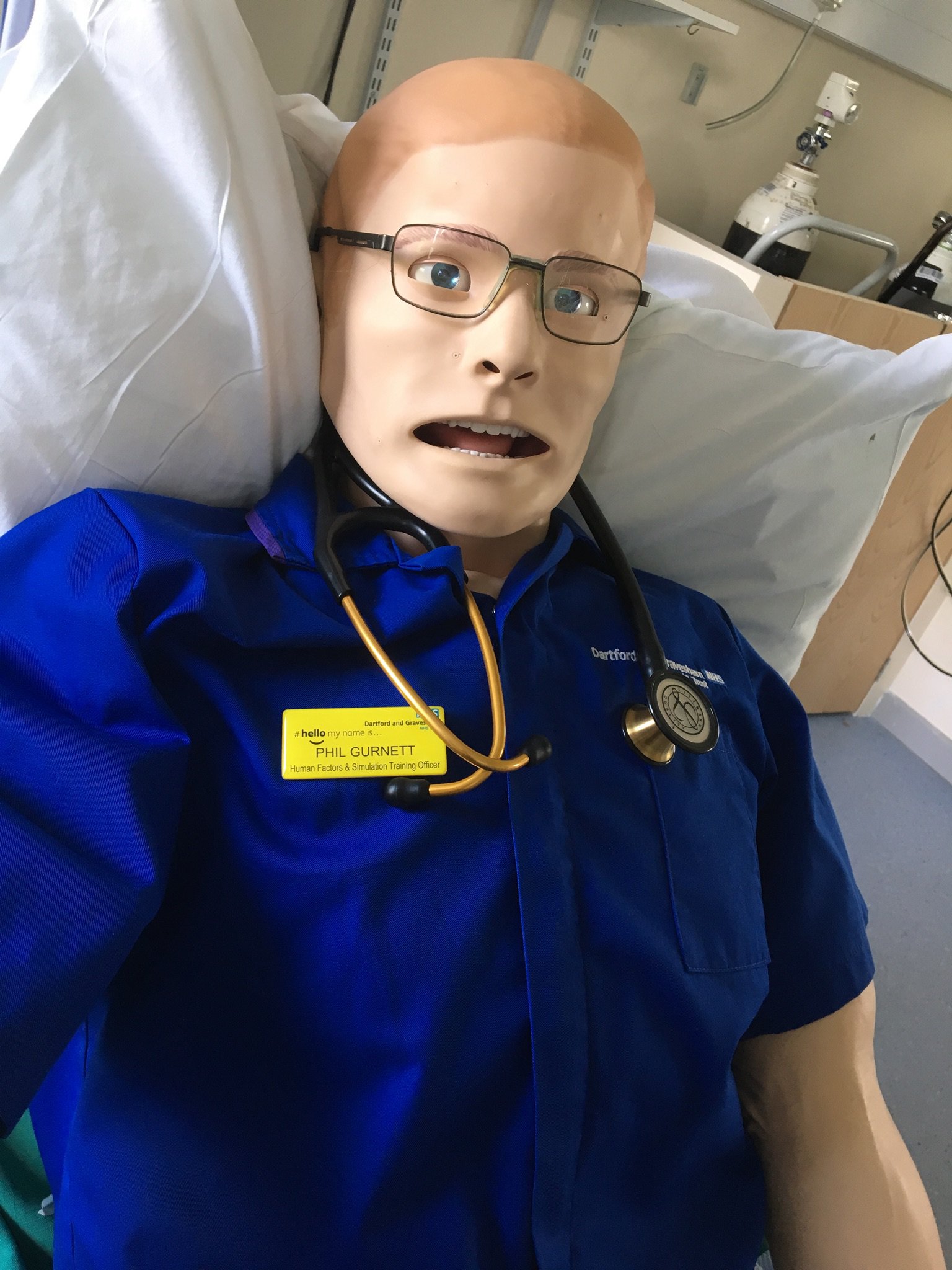

Phil Gurnett
Members
-
Joined
-
Last visited
-
Content ArticleIn this thought-provoking blog, Phil discusses the implications of retired staff rejoining their registers and returning to frontline care, and how short shifts may benefit us all.
-
-
Community PostI’m looking at SBAR currently and the expectations of the tool. It’s interesting that it’s application has been heavily linked to handover but this is not the original purpose. Increasingly, the medical profession are seeing it as not fit for purpose but I suspect (and am looking at at the moment) the actual problem is using the wrong tool for the purpose.
-
Phil Gurnett changed their profile photo
-
Community PostHi I have been working in a presentation we are giving at ASPiH in November around the work we have done using simulation to test systems and processes. we have done this in two ways. Firstly as a by-product of an educational in situ simulation in s clinical environment where a latent threat has been identified. In this case we will work with the area in looking at just what contributes to the threat and ways that may help. The second way (and with my HF head on, more exciting) has been setting out to test a process. We have done this several times now and have had some real successes in demonstrating the work as done v work as imagined theory. has anyone else used simulation in this way? looking forward to your replies. Phil

