


Yesh
Members
-
Joined
-
Last visited
-
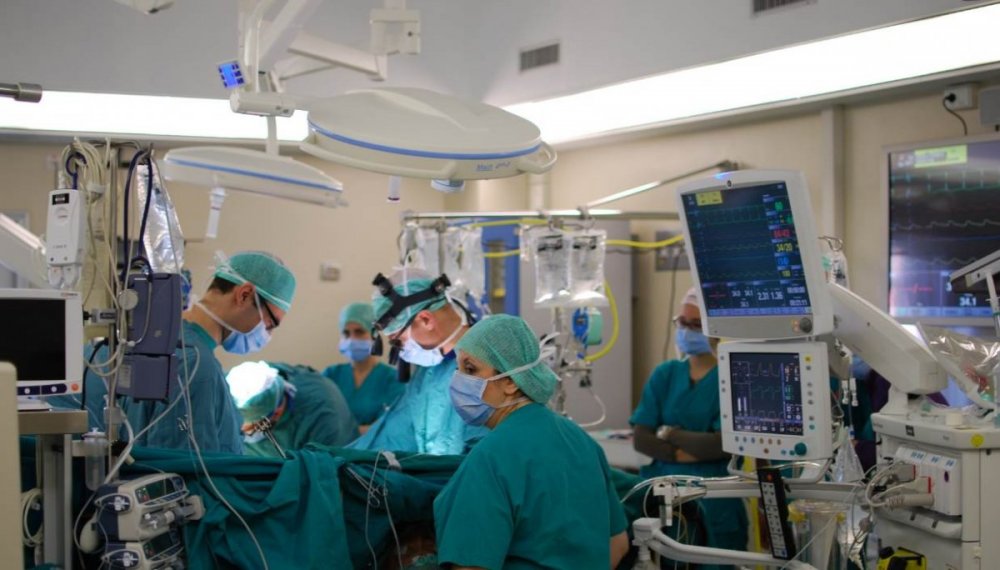
Community PostSubject: Looking for Clinical Champions (Patient Safety Managers, Risk Managers, Nurses, Frontline clinical staff) to join AI startup Hello colleagues, I am Yesh. I am the founder and CEO of Scalpel. <www.scalpel.ai> We are on a mission to make surgery safer and more efficient with ZERO preventable incidents across the globe. We are building an AI (artificially intelligent) assistant for surgical teams so that they can perform safer and more efficient operations. (I know AI is vaguely used everywhere these days, to be very specific, we use a sensor fusion approach and deploy Computer Vision, Natural Language Processing and Data Analytics in the operating room to address preventable patient safety incidents in surgery.) We have been working for multiple NHS trusts including Leeds, Birmingham and Glasgow for the past two years. For a successful adoption of our technology into the wider healthcare ecosystem, we are looking for champion clinicians who have a deeper understanding of the pitfalls in the current surgical safety protocols, innovation process in healthcare and would like to make a true difference with cutting edge technology. You will be part of a collaborative and growing team of engineers and data scientists based in our central London office. This role is an opportunity for you to collaborate in making a difference in billions of lives that lack access to safe surgery. Please contact me for further details. Thank you Yesh [email protected]
-
Content ArticleFor the past two years, Scalpel Ltd have been building technologies that improve patient safety in surgery. We have found a lack of understanding of why we need to invest in patient safety. In this blog I discuss surgical errors and the urgent need to invest in patient safety.

