


Summary
Lichen sclerosus is a skin condition that causes itchy white patches, most commonly on the genitals. There's no cure, but treatment can help relieve the symptoms. It is though to affect 1 in 100 women.
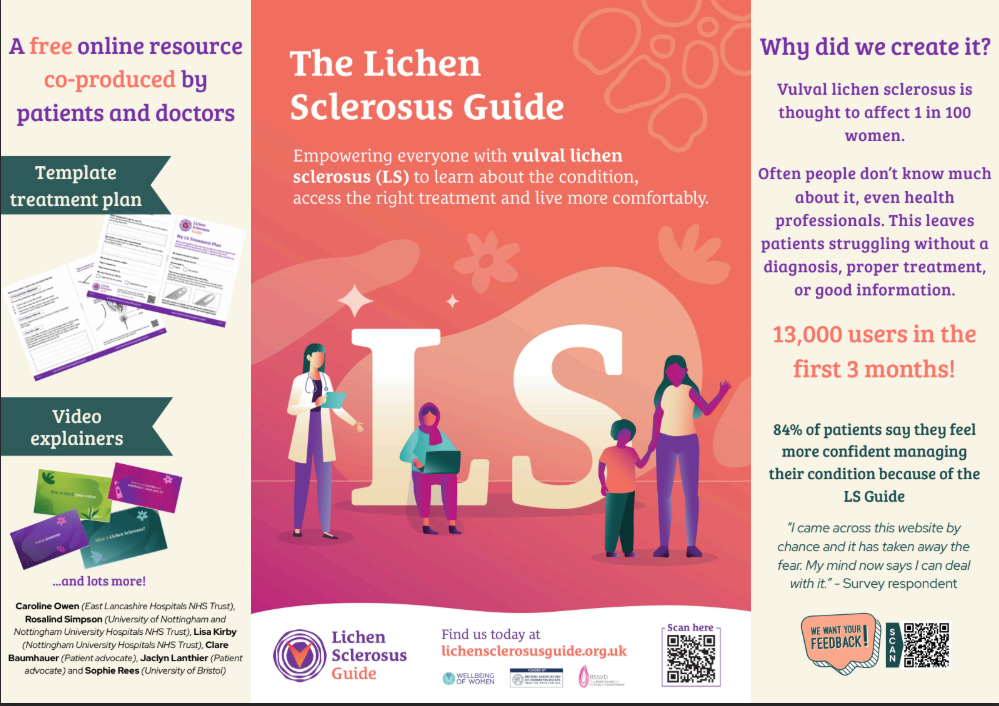
The Lichen Sclerosus Guide was awarded first place in the 'Communicating effectively with patients and families' category of the 2025 Picker Experience Network (PEN) Awards. The guide has been written by people with vulval lichen sclerosus and expert healthcare professionals and researchers from the University of Bristol, University of Nottingham, East Lancashire Hospitals NHS Trust, and Nottingham University Hospitals NHS Trust.
Since its launch earlier this year, the guide has been viewed by over 25,000 people in more than 50 countries.
Content
The Lichen Sclerosus Guide led by Dr Sophie Rees and Dr Caroline Owen combines clinical expertise with lived experience of vulval lichen sclerosus, offering clear, accessible information through written content, videos, animations, and downloadable tools. It contains information about symptoms, diagnosis, treatment, and support, and includes videos explaining what happens to the skin in lichen sclerosus, vulval anatomy and self-examination, and how to apply treatment to the vulva.
The judging panel praised the guide for its inclusive, evidence-based approach to tackling stigma and improving health literacy. They commented that: “It empowers patients, supports clinicians and bridges gaps in care, making it a model for effective communication and partnership in healthcare.”


Recommended Comments
Create an account or sign in to comment