

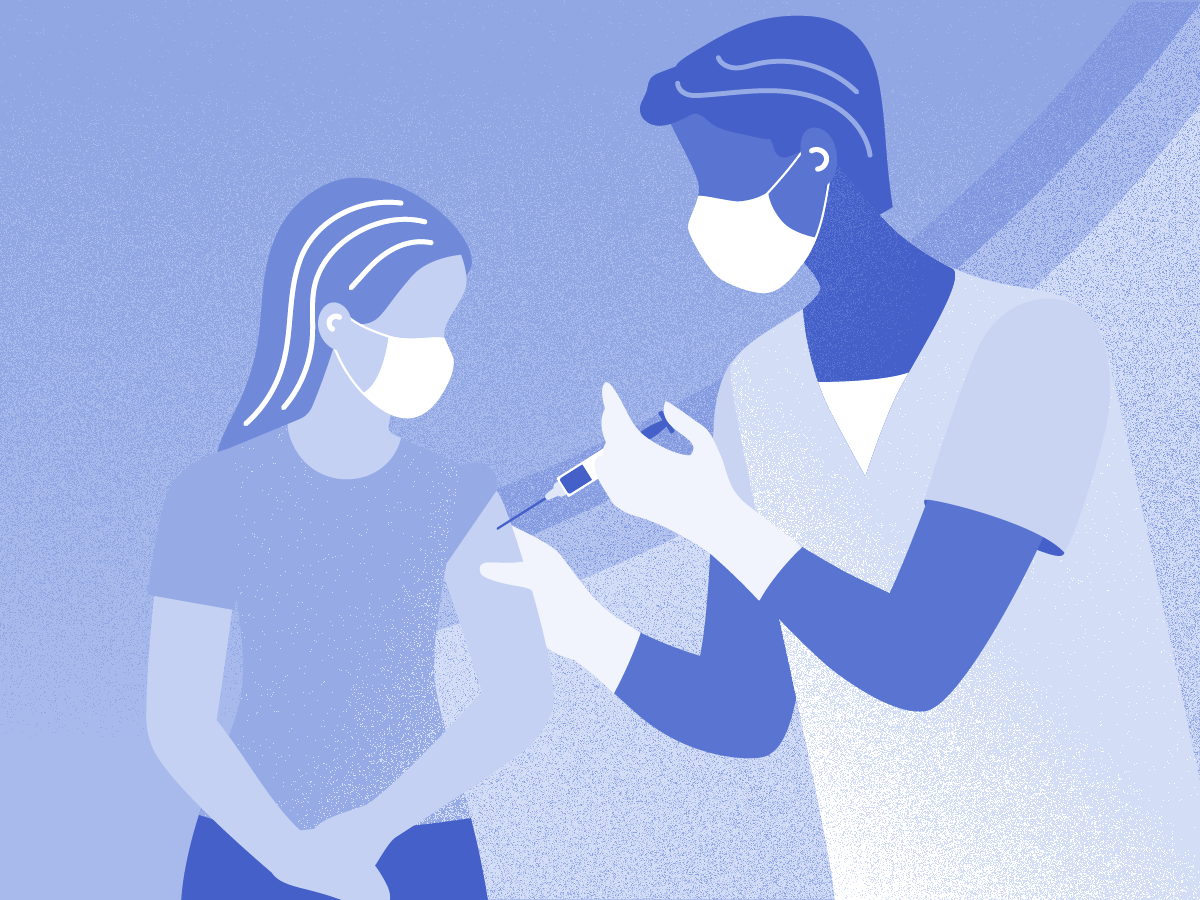

A deaf woman was given the wrong vaccine because she was not provided with a British Sign Language (BSL) interpreter at her doctor's surgery, a report says.
The Parliamentary and Health Service Ombudsman (PHSO) said disabled people were being let down by inaccessible communications.
It said the patient, Samantha, had booked a flu jab but was instead given a Covid vaccine after staff failed to show her a BSL video which would have highlighted the error. She said the experience had had a "profound impact" on her.
The Department of Health and Social Care said the "deeply upsetting stories" were "completely unacceptable" and NHS and social care organisations had a duty to make services accessible.
PHSO said public services were legally required to support people with their accessible communication needs, which might be due to a disability, neurodivergence or English not being their first language.
Samantha had booked her flu and Covid jabs for separate weeks and showed a nurse a note on her phone which said she was there for the "flu jab only", the PHSO said.
Despite that, the practice said it believed it had correctly established Samantha wanted the Covid vaccine and had got her consent through her grandmother, even though she had early-stage dementia and was not in the treatment room.
Following an investigation, the PHSO recommended the surgery should apologise and pay Samantha £450. It has also since signed a contract with a sign language interpreting company.
Source: BBC News, 19 August 2026

Recommended Comments
Create an account or sign in to comment